
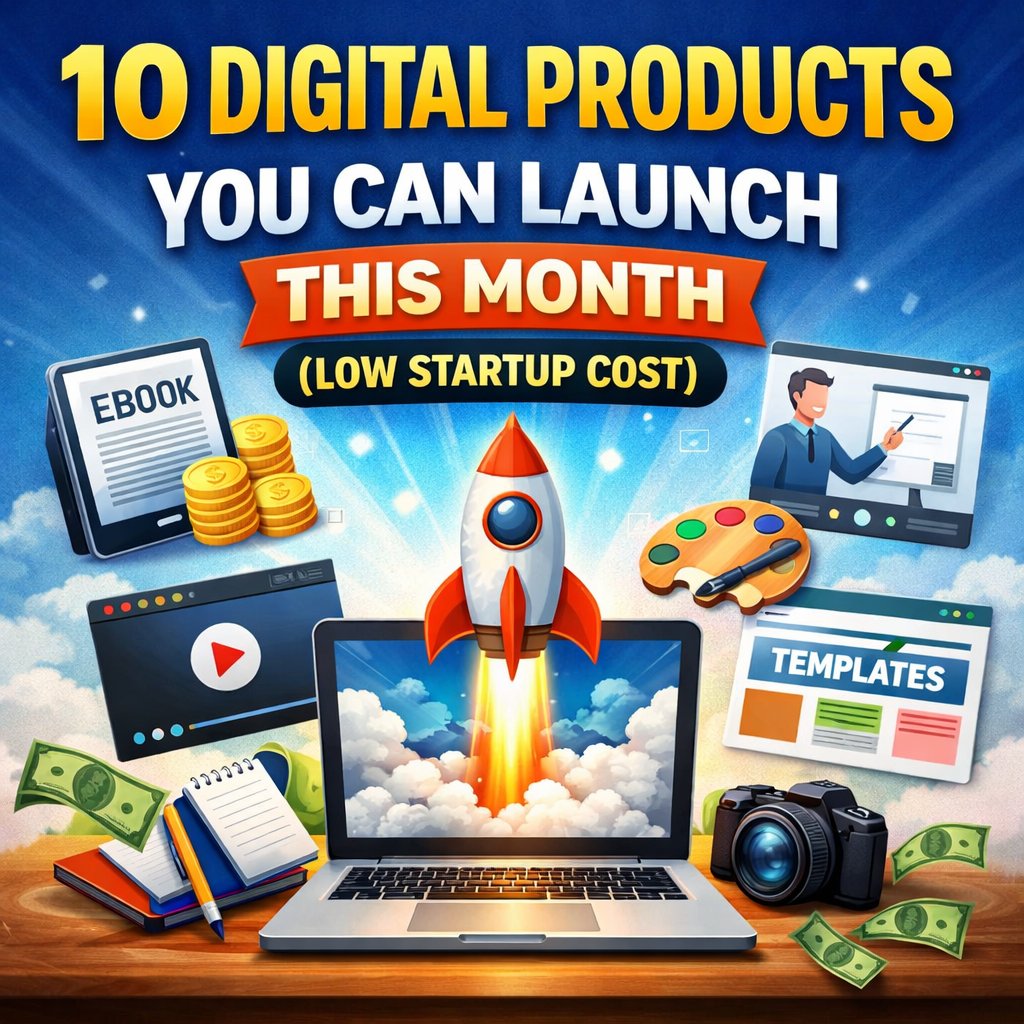
10 Digital Products You Can Launch
If you want to make money online without renting an office, buying machines, or holding stock, digital products are one of the easiest ways to start.
A digital product is something you create once and sell many times. No shipping. No warehouse. No packaging. Just your knowledge, creativity, or skills turned into a file people can download or access online.
The best part? You can launch most of these this month, even if you are starting with little money.
Below are 10 digital products you can launch this month with low startup costs, including simple examples, tools you can use, and how to sell them.
1. Ebooks
An ebook is one of the easiest digital products to create.
If you can write blog posts, you can write an ebook.
What You Can Sell
- A beginner’s guide (e.g., budgeting, fitness, freelancing)
- A how-to manual
- A checklist-based guide
- A short problem-solving guide (30–60 pages is enough)
Think of it like this:
If someone keeps asking you the same question, that question can become an ebook.
Example
If people always ask:
- “How do I start freelancing?”
- “How do I lose weight on a budget?”
- “How do I build a website?”
Turn your answers into chapters.
Tools You Can Use
- Google Docs
- Microsoft Word
- Canva
- ChatGPT (for outlining and structuring)
Export as PDF and you’re ready.
Where to Sell
- Your own website
- Gumroad
- Payhip
- Amazon KDP
Startup cost: Almost zero.
2. Online Courses (Mini Courses)
You don’t need a big studio to create a course.
Start small.
Instead of a 40-hour masterclass, create a 2-hour beginner course.
What You Can Teach
- Canva design basics
- Blogging for beginners
- Website building with WordPress
- Social media growth
- Excel for beginners
If you can explain something clearly, you can teach it.
Simple Setup
- Record your screen using Loom or OBS
- Use your laptop microphone
- Create slides in Canva
That’s enough.
Where to Sell
- Teachable
- Thinkific
- Udemy
- Your own website
Startup cost: Low (mostly your time).
3. Printable Planners and Journals
People love planners.
Digital planners and printable journals sell very well, especially on Etsy.
Types You Can Create
- Daily planner
- Budget planner
- Fitness tracker
- Content planner
- Gratitude journal
- Wedding planner
These are just designed PDF pages.
Tools You Can Use
- Canva
- PowerPoint
- Adobe InDesign (optional)
You design once. People download and print.
Where to Sell
- Etsy
- Gumroad
- Shopify
Startup cost: Very low.
4. Website Templates
Many people want a website but don’t know how to design one.
If you are comfortable with web design, this is powerful.
What You Can Create
- Blogger templates
- WordPress themes
- Notion website templates
- Landing page templates
- Portfolio templates
Instead of building custom sites for $500 each, build one template and sell it to 100 people for $29.
Example
A simple:
- Coach website template
- Freelancer portfolio template
- Restaurant landing page template
Where to Sell
- ThemeForest
- Creative Market
- Your own website
Startup cost: Mainly time and skill.
5. Social Media Templates
Small businesses struggle with content creation.
You can create:
- Instagram post templates
- Pinterest pin templates
- YouTube thumbnail templates
- LinkedIn carousel templates
How It Works
You design editable Canva templates.
You sell the link.
Buyers customize them.
Simple.
Who Buys?
- Coaches
- Bloggers
- Real estate agents
- Online stores
- Small brands
Startup cost: Very low.
6. Digital Art and Graphics
If you are creative, this is a great option.
What You Can Sell
- Wall art prints
- Phone wallpapers
- Icons
- Stickers
- Clipart
- Illustrations
Design once. Sell unlimited times.
Tools
- Procreate
- Canva
- Illustrator
- Photoshop
Where to Sell
- Etsy
- Creative Market
- Redbubble
Startup cost: Low.
7. Notion Templates
Notion is very popular.
People want:
- Content calendars
- Project managers
- Goal trackers
- Study planners
- CRM systems
You can build a smart Notion dashboard and sell it.
Why This Works
People want ready-made systems.
They don’t want to build from scratch.
Example
Create:
“Freelancer Business Dashboard”
Include:
- Client tracker
- Invoice tracker
- Income tracker
- Content planner
Sell it for $19–$49.
Startup cost: Free (Notion is free to start).
8. Stock Photos or Video Packs
Businesses need content.
If you have:
- A smartphone with a good camera
- Access to nice locations
- A creative eye
Ideas
- Office desk setups
- Coffee shop scenes
- Fitness lifestyle
- Minimalist workspace
- Business flatlays
Upload to:
- Shutterstock
- Adobe Stock
- Your own website
Startup cost: Low.
9. Audio Products
Audio products are underrated.
What You Can Sell
- Guided meditations
- Affirmations
- Language lessons
- Sound effects
- Short audiobooks
All you need:
- A quiet room
- A basic microphone
- Free editing software (Audacity)
You record once and sell repeatedly.
Where to sell:
- Gumroad
- Your website
- Etsy
Startup cost: Low.
10. Membership Content (Private Access)
Instead of selling one product, sell access.
You can create:
- A private newsletter
- A paid community
- Weekly business tips
- Exclusive tutorials
- Templates library
Example
Charge $10 per month.
If 100 people join:
That’s $1,000 per month.
Tools:
- Substack
- Patreon
- Circle
- Discord
Startup cost: Very low.
How to Choose the Right Digital Product
Don’t pick randomly.
Ask yourself:
- What do people always ask me for help with?
- What problem can I solve quickly?
- What skill do I already have?
- What content do I already create?
For example:
- If you blog → create an ebook.
- If you design → create templates.
- If you teach → create a mini-course.
- If you organize well → create planners.
Start with what you already know.
How to Launch in 30 Days
Here’s a simple plan.
Week 1: Pick One Idea
Don’t choose three.
Choose one.
Outline it.
Plan the structure.
Week 2: Create It
Focus on finishing, not perfection.
Done is better than perfect.
Week 3: Build Sales Page
- Explain the problem
- Explain the solution
- Show benefits
- Add testimonials (if possible)
Week 4: Launch
- Email your list
- Post on social media
- Offer launch discount
- Ask friends to share
Simple.
How Much Can You Make?
Let’s break it down.
If you sell:
- A $19 product
- And 10 copies per day
That’s $190 per day.
In 30 days:
$5,700
Even if you sell 3 per day:
That’s still over $1,700 per month.
Digital products scale.
You create once.
You sell many times.
Common Mistakes to Avoid
1. Making It Too Big
Start small.
You can always expand later.
2. Waiting for Perfect
Perfection delays income.
3. Not Validating Demand
Before building:
Ask your audience.
Run a poll.
Pre-sell.
4. Pricing Too Low
Low price does not always mean more sales.
Price based on value.
Final Thoughts
You don’t need:
- Investors
- Office space
- Expensive tools
- Big team
You need:
- A skill
- A clear problem
- A simple solution
- Action
The internet rewards people who create.
Pick one digital product.
Launch it this month.
Improve it next month.
That’s how real online businesses are built.