 Written by
 Best AI Design Tools for Creators
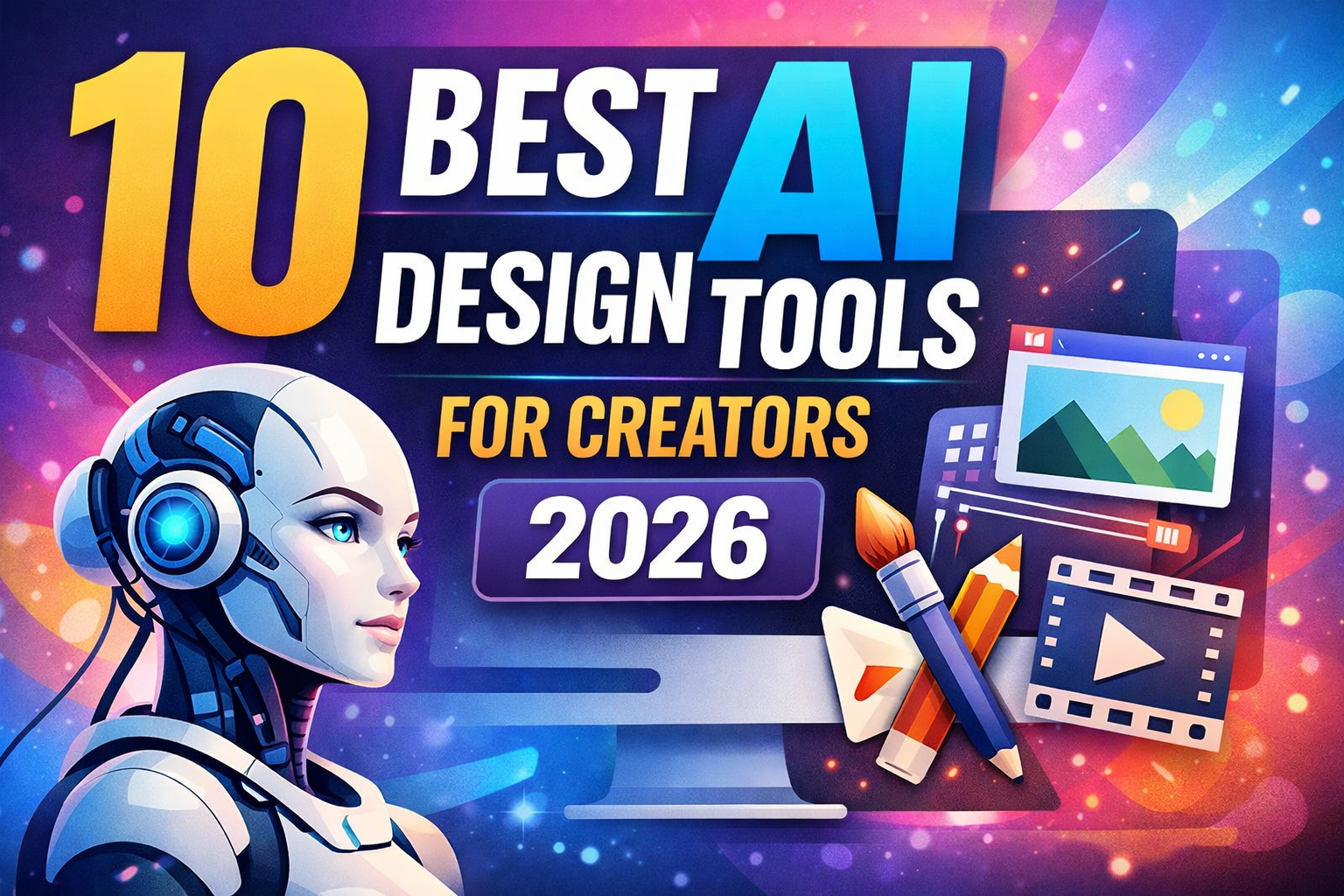
Discover the 10 best AI design tools for creators in 2026. Learn how tools like Canva, Midjourney, and Runway help you create graphics, videos, and logos faster.
Introduction:
By now, we should all be aware that artificial intelligence has revolutionised the way things happen in the technology sector, and the creators who design content are not left behind.
In the past, creating professional graphics was a considerable amount of work, and it required years of experience before one could do it effectively.
But today, the AI design tools can help anyone design whatever they want. You can create high-quality visuals, logos, videos, and social media graphics within minutes.
Whether you are a blogger, YouTuber, affiliate marketer, remote worker, or small business owner, AI tools can help you:
- Save time
- Create professional designs
- Generate unlimited ideas
- Produce content faster
And the real creators and remote workers should know that productivity is very important. So, making use of the right design tools can help you focus more on creative work instead of spending hours designing from scratch.
In this guide, you will discover the 10 best AI design tools for creators in 2026, including both free and paid options.
Then, let’s look into the reasons why AI tools are so popular.
Why AI Design Tools Are So Popular
AI design tools are growing rapidly because they make creative work faster and easier.
Below are the main reasons why creators love them.
- They Save Time:
Instead of designing something from scratch, AI tools can generate designs within seconds.
For example, you can type:
“Create an Instagram post about productivity tips.”
The AI will automatically generate a design.
- Anyone Can Design:
With AI, anyone can design. You no longer need professional design skills.
Even beginners can create professional graphics with simple tools. - They Reduce Costs:
Hiring a designer can be expensive. Many AI design tools offer free plans or low-cost subscriptions, which makes them perfect for bloggers and creators. - Faster Content Creation:
As a content creator, you can publish frequently. AI tools help quickly produce blog images, YouTube thumbnails, social media graphics, and marketing materials. - Endless Creative Ideas:
Sometimes creators run out of ideas.
AI tools can generate multiple design variations instantly, inspiring you.
Now, let’s talk about what to look for in an AI design tool.
What to Look for in an AI Design Tool
Before you choose an AI tool, there are certain factors you need to consider, and these factors are:
- Ease of Use.
Beginners should choose tools with simple interfaces. - Features.
Look for tools that support: Image generation, logo creation, video editing, and graphic design. - Price.
Some tools are free, while others require subscriptions. - Quality.
Good AI tools generate high-quality visuals that look professional.
Let’s start now by analysing the 10 Best AI Design Tools for Creators:
1) Canva AI (Best for Beginners):
Canva is one of the most popular design platforms in the world. It includes powerful AI features that help beginners create professional designs easily.
Key AI Features
- Magic Design
- AI image generator
- Background remover
- AI presentation generator
- Magic resize for social media
Example on how you can start using Canva.
Type a prompt like:
“Create a YouTube thumbnail about productivity tips.”
Canva automatically generates multiple designs.
Best For: Bloggers, social media creators, YouTubers, and small businesses.
Pros:
? Extremely easy to use
? Huge template library
? Free plan available
Cons:
? Some advanced features require a paid plan.
Try Canva AI:
Want to create professional designs quickly?
?? Try Canva AI today (affiliate link)
(2) Adobe Firefly (Best for Professional Creators).
Adobe Firefly is an advanced AI design tool created by Adobe.
It focuses on generating high-quality images, text effects, and design elements.
Key Features:
. Text-to-image generation
. AI text effects
. Vector generation
. Integration with Photoshop
Example Prompt to use:
“A futuristic city skyline at sunset in cyberpunk style.”
Firefly generates several artistic images based on the prompt.
Best For Professional designers, Marketing teams, and Digital artists
Pros:
? High-quality graphics
? Works with Adobe tools
? Professional results
Cons:
? Requires Adobe subscription
(3) Midjourney (Best for Stunning Artwork).
Midjourney is famous for generating beautiful artistic images from text prompts.
Many creators use it to create book covers, digital art, and concept designs.
Example Prompt
“A magical forest with glowing trees, fantasy art style.”
Midjourney produces multiple unique artworks.
Best For Artists, Game designers, and Book creators
Pros:
? Extremely creative visuals
? Unique artistic styles
Cons:
? Requires Discord
? Paid subscription
(4) DALL-E (Best for Quick AI Images).
DALL-E was developed by OpenAI. It generates images by simply describing them.
Key Features include: Text-to-image generation, Image editing with prompts, and Creative illustrations.
Example Prompt to use:
“A robot drinking coffee in a modern café.”
The AI generates multiple images.
Best For Blog illustrations, Social media visuals, and Marketing graphics.
Pros:
? Easy to use
? Creative results
Cons:
? Sometimes inconsistent details.
(5) Figma AI (Best for UI/UX Designers).
Figma is widely used by product teams designing websites and apps.
Its AI features help designers build layouts and wireframes faster.
FEATURES include:
AI Features, AI layout generation, Wireframe suggestions, and Content generation.
Best For App designers, UX designers, and Product teams
Pros:
? Great collaboration tools
? Popular among tech companies
Cons:
? Not ideal for general graphic design.
(6) Looka (Best AI Logo Generator)
Looka helps businesses create logos using AI.
How It Works: Enter business name, choose design style, and AI generates logo ideas.
Best For Startups, Bloggers, and Online businesses.
Pros:
? Very easy to use
? Fast results
Cons:
? Limited customization
(7) Runway ML (Best for AI Video Creation).
Runway ML is a powerful AI tool for video creators.
Key Features include: AI video generation, Background removal, Motion tracking, and Video editing.
Best for YouTubers, Filmmakers, and Social media creators.
Pros:
? Advanced video features
? Powerful AI models
Cons:
Paid plans are required for full features
(8) Designs.ai (Best for Marketing Content)
Designs.ai provides several AI tools in one platform.
Tools Included: AI logo maker, AI video creator, AI voice generator, and Graphic design tool.
Best For Marketing teams, Entrepreneurs, and Social media managers.
Pros:
? All-in-one platform
? Easy for beginners
Cons:
? Limited free features
(9) Khroma (Best AI Colour Tool)
Khroma helps designers find perfect colour combinations.
How It Works: Choose colours you like and the AI learns your preferences, then Generates color palettes for you.
Best for Brand designers, UI designers and Artists.
Pros:
? Simple tool
? Free to use
Cons:
? Only focused on colours
(10) Uizard (Best for Turning Sketches into Designs)
Uizard converts hand-drawn sketches into digital designs.
Example of how to use it.
You draw an app layout on paper.
Upload the photo, then the AI converts it into a digital interface.
Best For App startups, UX designers, and Product teams.
Pros:
? Saves huge design time
? Great for prototypes
Cons:
? Limited customization
Now, let’s look at how to choose the best AI design tool.
How to Choose the Right AI Design Tool
To choose the best AI tool, you have to make sure of what you need. In fact, the best tool depends on what you want to create.
For Beginners
Best options:
- Canva AI
- Designs.ai
For Artists
Best tools:
- Midjourney
- DALL-E
- Adobe Firefly
For Video Creators
Best tool:
- Runway ML
For Logo Design
Best option:
- Looka
For App Design
Best tools:
- Figma AI
- Uizard
Tips for Using AI Design Tools
Write Better Prompts
Good prompts produce better results.
Instead of writing:
“Dog”
Write:
“Golden retriever running on a beach during sunset.”
Combine Multiple Tools
Many creators use several AI tools together.
Example workflow:
Midjourney -> generate artwork
Canva -> design social media post
Runway -> create video content
Edit AI Results
AI should be used as a starting point, not the final design. So, always review and improve the results.
Let’s have a look at the future of AI design.
Future of AI Design
AI design technology is evolving quickly. In the next few years, we may see things like:
- Full website generation from prompts
- AI-generated animations
- Personalised brand identity creation
- Real-time collaboration with AI
So creators who learn AI tools early will have a major advantage in content creation and online business.
Frequently Asked Questions
What are AI design tools?
AI design tools are software platforms that use artificial intelligence to help users create graphics, videos, logos, and other visual content automatically.
Are AI design tools free?
Many AI tools offer free plans. However, premium features usually require a subscription.
Examples of tools with free plans include:
- Canva
- Khroma
- DALL-E (limited use)
Which AI design tool is best for beginners?
Canva AI is one of the best tools for beginners because it provides templates and easy-to-use editing tools.
Which AI tool creates the best images?
Midjourney and Adobe Firefly are among the best tools for generating high-quality images.
Are AI designs copyright safe?
Most AI platforms allow commercial use, but each tool has different licensing rules. Always review the terms before using AI images for business purposes.
Final Thoughts
AI design tools are transforming the creative industry. Tasks that used to take hours or even days can now be done within minutes.
Below are the 10 best AI design tools for creators in 2026:
- Canva AI
- Adobe Firefly
- Midjourney
- DALL-E
- Figma AI
- Looka
- Runway ML
- Designs.ai
- Khroma
- Uizard
Whether you are a blogger, YouTuber, affiliate marketer, or entrepreneur, these tools can help you create better content faster and grow your online presence.