
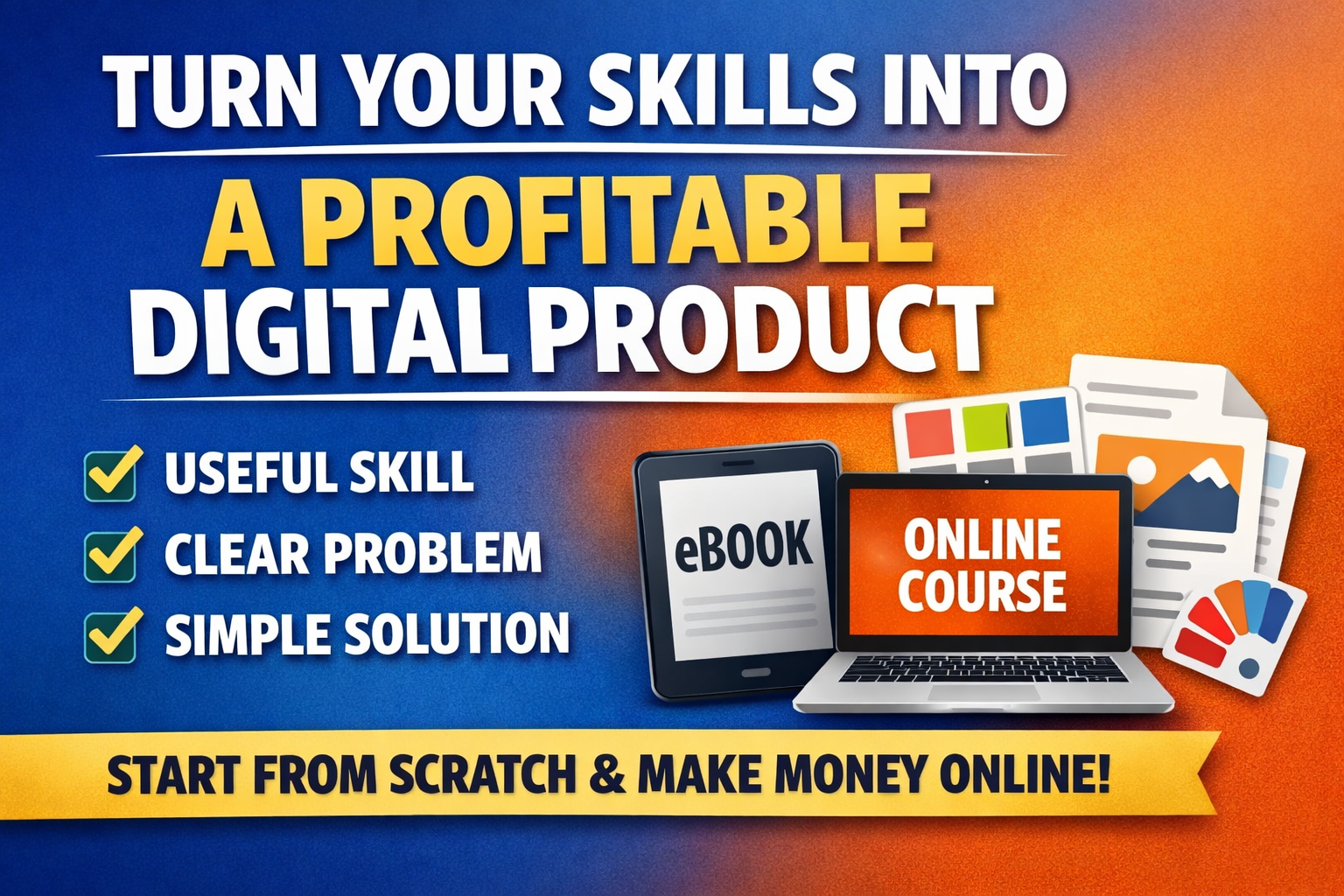
In sitaution whereby you can solve a problem, explain something clearly, design something useful, or build something that saves time. We can now say that you already have the foundation of a digital product.
And the good news is that you don’t need to be famous, nor do you need a huge social media following. Equally, you do not need investors.
All that you need are these three things:
i) A useful skill
ii) A clear problem to solve, and
iii) A simple way to package and sell the solution
So, this guide will show you, step by step, how you can turn your skills into a profitable digital product, even if you are starting from scratch.
But before everything, let’s have a deeper insight into what digital products are.
What Is a Digital Product?
A digital product is something people pay for that is delivered online.
And the examples of digital products are as follows:
Examples:
a) An ebook (PDF)
b) An online course
c) A design template
d) A website theme
e) A coding plugin
f) A Notion template
g) A budgeting spreadsheet
h) A fitness plan
i) A stock photo bundle
j) A digital planner
Once these digital products are created, they can be sold again and again without extra production cost. And that is exactly what makes digital products powerful.
Giving a clear example here.
If you bake a cake, you must bake another one to sell again.
But if you create a PDF guide, you create it once and sell it 1,000 times.
Now, let us emphasise the steps one can follow to become and create digital products:
Step 1: Identify the Skill You Can Monetise
You have to start with one simple question, and this question should be: What do people ask me for help with?
And these things people do ask you for help with may include:
i) Writing resumes
ii) Fixing WordPress issues
iii) Budget planning
iv) Editing videos
v) Learning a language
vi) Passing exams
vii) Cooking healthy meals
viii) Learning graphic design
If people already ask you for help, that is proof that your skill has value.
Then, let’s look at this simple example.
Write down:
i) 5 things you are good at
ii) 5 problems you have solved for yourself
iii) 5 things friends often ask you about.
Look for overlap. For example:
If you are good at budgeting and friends always ask you to show or teach them how you save money, you could create digital products like:
i) A budgeting spreadsheet
ii) A savings challenge template
iii) A short course on managing personal finance
Remember this: Your skill does not have to be advanced. It only needs to be useful.
Step 2: Choose a Specific Problem
I’m not going to lie to you, this is where many people fail. They fail because they always try to create something broad, like:
i) “How to Make Money Online”
ii) “Fitness for Everyone”
iii) “Learn Web Design.”
These are too general, too competitive. Instead, you have to narrow it down. Using this analysis, let’s illustrate the good and bad examples.
Bad example: “Fitness Guide”
Better example: “30-Day Home Workout Plan for Busy Office Workers.”
Let’s examine the difference here. The second one speaks to a specific group with a specific problem.
And below are the formulas you have to use:
My product helps [specific group] solve [specific problem] using [specific method].
Considering this example:
i) I help students pass math exams using simple practice worksheets.
ii) I help new bloggers design their first website using step-by-step templates.
iii) I help freelancers create proposals that win clients.
Remember that clarity is what normally sells.
Step 3: Pick the Right Digital Product Format
You don’t have to use the format meant for something else for something entirely different. Here are different formats and when to use them:
i) Ebook (PDF)
Best for: Guides, Tutorials, Step-by-step instructions.
Example:
“Beginner’s Guide to Freelance Writing”
ii) Online Course (Video or Text Lessons)
Best for: Teaching complex skills, Demonstrations, Walkthroughs.
Example:
“How to Build a WordPress Website From Scratch”
iii) Templates
Best for: Saving time, providing structure.
Examples:
. Resume templates
. Canva social media templates
. Budget spreadsheets
For your information, templates sell well because they reduce effort.
iv) Toolkits or Bundles
Best for: Combining multiple resources.
Example:
“Startup Branding Kit”, which includes:
Logo templates, Brand guide, Social media graphics
Remember that bundles increase value and price.
v) Membership or Subscription
Best for: Ongoing value, Regular updates and Community support.
Example:
- Monthly coding challenges
- Weekly meal plans
Here, you have to choose the format that matches your skill and the problem you are solving.
Step 4: Validate Before You Build
What you have to know is that you do not need to spend 3 months building something no one wants. All you have to do is validate first. Below are simple validation methods.
i) Ask Your Audience
If you have social media, email subscribers, or even WhatsApp contacts, try to ask them questions like:
“Would you pay for a guide that helps you do X thing?”
Then, look at responses.
ii) Pre-Sell
Go ahead and create a simple landing page explaining:
- What your product is all about.
- Who it is for.
- The kind of problems it solves.
- The price you are selling.
And if people pay before it is finished, that is strong proof.
iii) Study Search Trends
Spend some of your time looking at what people search for. Which may range from something like this:
- “How to sell digital products”
- “Budget planner template”
- “Instagram content calendar template”
If many people search for it, there is demand.
Step 5: Create the Product (Keep It Simple)
In this stage, you don’t need to be a perfectionist. All you have to do is go ahead and create your product. Remember, perfection is the enemy of profit.
Start with Version 1.
Example: Creating an eBook
- Outline chapters
- Write in simple language
- Add examples
- Export as PDF
You have to know that you do not need 200 pages. Even 30–50 pages can be powerful if useful.
Example: Looking at this example, which involves creating of a Template.
This is what you have to do:
- Pick one problem to solve.
- Make it easy to edit
- Add instructions
- Test it yourself
- Keep it practical.
Then you have to focus on results, your product should be able to help someone move from: Before — After
Examine these examples below:
Before:
“I don’t know how to manage my money.”
After:
“I have a simple monthly budget system.”
This kind of transformation is what people pay for.
Step 6: Price It for Profit
Many people get confused when they reach this step. The fear of not getting sales due to overpricing makes them underprice, and also the fear of not being perceived as authentic makes some overprice. Then, how is this price issue going to be fixed?
The solution is, do not price based on how long it took you; price is based on the value it gives.
Before pricing, ask yourself these questions:
Ask:
- Does my product save time?
- Does it make money?
- Does it reduce stress?
- Does it improve results?
Then, if your budgeting template(product) helps someone save $500 a month, charging $19 or $29 is reasonable.
Let’s look at a simple pricing guide based on creating products.
- Small template: $9 – $29
- Ebook: $19 – $49
- Course: $49 – $299
- Premium bundle: $99+
Remember to start simple. You can raise prices later.
Step 7: Set Up a Simple Sales System
You need:
- A place to host your product (Consider IAKSUM.COM, here, You Own Your Work. Keep Your Earnings. Follow here).
- A payment method.
- A simple sales page.
Your sales page should answer:
. Who is this for?
. What problem does it solve?
. What results will I get?
. What is included?
. How much does it cost?
. Why should I trust you?
Keep it clear. No hype.
Step 8: Market Without Being PushyYou do not need ads at the beginning.
Focus on education and use Content Marketing.
Create helpful content around your skill:
. Blog posts
. YouTube videos
. Twitter threads
. LinkedIn posts
Teach for free. Sell the deeper solution.
Example:
Free content:
“3 Ways to Save Money Every Month”
Paid product:
“Complete Budget System Template”
Free builds trust while paid provides structure.
Step 9: Improve Based on Feedback
Your first version will not be perfect. That is normal.
Ask buyers:
. What confused you?
. What was most helpful?
. What can be better?
. Update the product.
You will start to notice that each update increases the value of your products.
Step 10: Scale Your Income
Once one product works, you can:
. Create advanced versions
. Build a bundle
. Add a membership
. Offer consulting
. Partner with other creators
One skill can become multiple income streams.
Example:
Skill: Graphic design
Products:
. Canva templates
. Logo kit
. Branding course
. Design feedback service
. Monthly template membership
In this case, it becomes one skill with multiple products.
Now, let’s look at common mistakes you should avoid:
- Waiting too long to launch
- Creating something too broad
- Ignoring validation
- Underpricing
- Overcomplicating technology
- Copying others instead of solving real problems
You have to keep it simple, avoiding jagorns. And try to focus on solving one problem well.
Then, let’s look at this real-World Illustration
Let’s say Sarah is good at organising study notes.
Step 1: She notices students struggle with exam preparation.
Step 2: She creates “Exam Success Study Planner for College Students.”
Step 3: She builds a simple digital planner in Canva.
Step 4: She sells it for $19.
Step 5: 100 students buy it.
That is $1,900 from one simple product.
Then she creates:
. A revision timetable template
. A focus tracker
. A full study system bundle
Now her income grows. And she did not invent something new; she packaged her skill.
Below are the reasons why digital products are powerful.
. Low startup cost
. High profit margins
. Scalable income
. Location freedom
. Ownership of your work
The real truth is that you build once. Then you sell many times. That is what we call leverage.
My Final Thought
. You do not need to be the best in the world.
. You only need to be one step ahead of someone else.
. And if you can help a beginner move forward, that is value.
Look at what you have to do, you have to start with:
. One skill
. One problem
. One simple product
Do this as quickly as you can: Launch it. Learn. Improve. Repeat.
Remember, turning your skills into a profitable digital product is not about luck. It is about clarity, action, and consistency.
The only difference between creators earning online and those still thinking about it is simple: One group started. And the other group is busy waiting.
Now it is your turn.
FOLLOW THIS LINK TO LAUNCH YOUR FIRST DIGITAL PRODUCT AND START MAKING MONEY.