 Written by
 AI-Powered Design Tools
Introduction
Not long ago, design felt like something only trained professionals could do. You needed years of practice, expensive software, and a lot of patience. If you wanted a logo, a website, or even a simple social media post, chances are you had to hire a designer or spend hours learning complicated tools.
Today, things look very different.
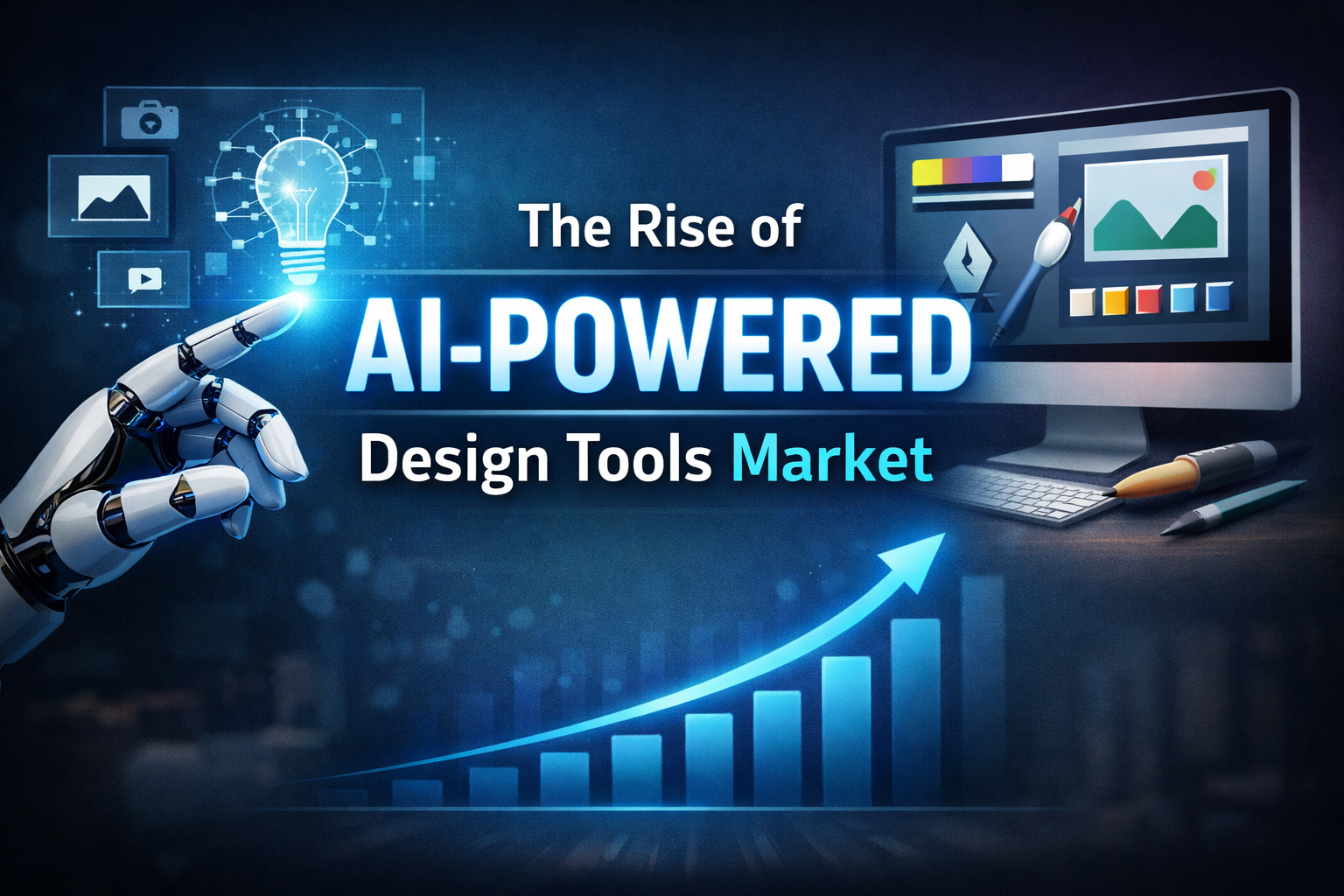
AI-powered design tools are changing how people create. Whether you are a business owner, student, marketer, or just someone with an idea, you can now design things quickly—even if you have no experience at all. This shift is not just a trend. It is a growing market that is shaping the future of creativity and work.
In this guide, we will break down what this market is, why it is growing so fast, who is using these tools, and what it means for the future. We will keep things simple, practical, and easy to understand.
What Are AI-Powered Design Tools?
AI-powered design tools are software platforms that use artificial intelligence to help people create visual content.
Instead of starting from scratch, these tools can:
- Suggest layouts
- Generate images
- Pick color schemes
- Write text
- Improve designs automatically
A Simple Example
Imagine you need a poster.
Before:
- You open a blank file
- Choose fonts
- Adjust spacing
- Fix alignment
- Spend hours tweaking
Now with AI:
- You type: “Create a poster for a summer sale”
- The tool generates multiple ready-made designs
- You pick one and make small changes
That’s the difference.
AI does the heavy lifting, and you just guide it.
Why This Market Is Growing So Fast
The rise of AI design tools did not happen by accident. There are clear reasons behind this rapid growth.
1. Everyone Needs Content
Today, content is everywhere:
- Social media posts
- Ads
- Websites
- Videos
- Presentations
Businesses need fresh content all the time. Individuals want to stand out online. This creates huge demand for design work.
AI tools help meet that demand quickly.
2. Design Skills Are No Longer a Barrier
In the past, design tools were hard to learn. Many people felt locked out.
AI changes that.
Now:
- Beginners can create professional-looking designs
- Small businesses don’t need big design teams
- Individuals can build personal brands easily
This opens the market to millions of new users.
3. Speed Matters More Than Ever
In today’s fast-moving world, speed is key.
AI tools can:
- Generate designs in seconds
- Suggest improvements instantly
- Reduce editing time
This saves time and money, which makes them very attractive.
4. Cost Savings
Hiring designers can be expensive. While professional designers are still important, not every task needs one.
AI tools:
- Reduce the need for repetitive work
- Lower production costs
- Allow small teams to do more
This is especially useful for startups and small businesses.
5. Better Technology
AI itself has improved a lot.
Modern tools can:
- Understand text prompts
- Recognize design patterns
- Learn from millions of examples
This makes their output more useful and more human-like.
Types of AI-Powered Design Tools
The market is not just one big category. It includes different types of tools, each solving a specific problem.
1. Graphic Design Tools
These help create:
- Social media posts
- Flyers
- Logos
- Presentations
They often include templates and AI suggestions.
2. Image Generation Tools
These tools create images from text descriptions.
Example:
You type “a modern office with warm lighting,” and the tool generates a picture.
This is useful for:
- Marketing visuals
- Blog images
- Concept art
3. Video Creation Tools
Video is growing fast, and AI tools now help with:
- Editing clips
- Adding subtitles
- Creating short videos from text
This is great for content creators and marketers.
4. Website Design Tools
AI can now build websites by:
- Generating layouts
- Writing basic content
- Suggesting design styles
This makes it easier to launch websites quickly.
5. Branding Tools
These tools help businesses create a consistent look.
They can generate:
- Logos
- Color palettes
- Brand guidelines
This is helpful for new businesses.
Who Is Using These Tools?
AI design tools are not just for one group of people. They are used by many different users.
1. Small Business Owners
Small businesses often have limited budgets.
AI tools help them:
- Create marketing materials
- Design logos
- Build websites
All without hiring large teams.
2. Content Creators
Creators need to produce content regularly.
AI helps them:
- Design thumbnails
- Create posts quickly
- Stay consistent
This saves time and boosts productivity.
3. Marketers
Marketing teams use AI tools to:
- Test different designs
- Create ads faster
- Improve campaign visuals
Speed and flexibility are key here.
4. Students and Beginners
Students use these tools for:
- Presentations
- Projects
- Personal portfolios
They don’t need advanced skills to get good results.
5. Professional Designers
Even experienced designers use AI.
Not to replace their work, but to:
- Speed up tasks
- Get inspiration
- Handle repetitive work
AI becomes a helper, not a replacement.
Benefits of AI Design Tools
Let’s look at the biggest advantages in simple terms.
1. Easy to Use
Most tools are designed for beginners.
You don’t need:
- Advanced training
- Technical skills
- Years of experience
2. Faster Results
What used to take hours can now take minutes.
This helps people:
- Meet deadlines
- Produce more content
- Focus on ideas instead of technical work
3. Cost-Effective
Many tools offer free or low-cost plans.
This makes design accessible to:
- Startups
- Freelancers
- Individuals
4. Creative Support
AI can suggest:
- Layouts
- Colors
- Fonts
This helps users who are not confident in their design skills.
5. Consistency
AI tools can keep designs consistent across:
- Social media
- Websites
- Marketing materials
This is important for branding.
Challenges and Concerns
Even though the market is growing, it is not perfect. There are some challenges to consider.
1. Lack of Originality
AI often learns from existing designs.
This can lead to:
- Similar-looking outputs
- Less unique designs
Users still need creativity to stand out.
2. Over-Reliance on AI
If people rely too much on AI, they may:
- Stop learning design basics
- Lose creative control
AI should be a tool, not a replacement for thinking.
3. Quality Issues
Sometimes AI:
- Makes mistakes
- Produces odd results
- Misses the context
Human review is still important.
4. Job Concerns
Some people worry that AI will replace designers.
In reality:
- Basic tasks may be automated
- But creative strategy and high-level design still need humans
The role of designers is changing, not disappearing.
5. Ethical Questions
There are ongoing debates about:
- Data usage
- Ownership of AI-generated designs
- Fair use of existing work
This is an area that is still evolving.
How Businesses Are Adapting
Companies are not ignoring this trend. They are actively using AI tools to stay competitive.
Faster Campaigns
Businesses can:
- Launch ads quickly
- Test multiple designs
- Adjust strategies in real time
Smaller Teams, Bigger Output
With AI, small teams can produce:
- More content
- Better visuals
- Faster results
Experimentation
AI allows businesses to try:
- Different styles
- New ideas
- Fresh approaches
Without high costs.
Future Trends in the AI Design Tools Market
The market is still growing, and several trends are shaping its future.
1. More Personalization
AI tools will become better at:
- Understanding user preferences
- Creating custom designs
- Adapting to individual styles
2. Better Integration
Design tools will connect with:
- Marketing platforms
- Social media tools
- Business software
This will make workflows smoother.
3. Improved Quality
As AI improves, outputs will:
- Look more natural
- Be more creative
- Require less editing
4. Voice and Text Control
Instead of clicking buttons, users may:
- Speak commands
- Type simple instructions
AI will handle the rest.
5. Collaboration Features
Teams will be able to:
- Work together in real time
- Share ideas easily
- Edit designs together
Tips for Using AI Design Tools Effectively
If you are new to these tools, here are some simple tips.
1. Start with Clear Ideas
Even though AI helps, you still need direction.
Ask yourself:
- What is the goal?
- Who is the audience?
- What message do I want to share?
2. Don’t Accept the First Result
AI gives options, but not all are perfect.
Always:
- Review designs
- Make adjustments
- Add your personal touch
3. Learn Basic Design Principles
Even simple knowledge helps:
- Alignment
- Spacing
- Color balance
This improves your results.
4. Combine Tools
Different tools have different strengths.
You can:
- Generate images in one tool
- Edit them in another
- Add text elsewhere
5. Stay Updated
This space changes quickly.
New features and tools appear often, so keep exploring.
What This Means for the Future of Design
AI is not killing creativity. It is changing how creativity works.
Instead of spending time on technical steps, people can:
- Focus on ideas
- Experiment more
- Create faster
Design is becoming more accessible.
At the same time, human creativity is still important. AI can suggest, but it cannot fully replace human taste, emotion, and storytelling.
Conclusion
The rise of AI-powered design tools market is not just about technology. It is about access.
More people can now create, share, and build ideas visually. Businesses can move faster. Creators can produce more content. Designers can focus on higher-level work.
There are challenges, but the overall direction is clear: AI is becoming a key part of the design world.
If you are not using these tools yet, now is a good time to start. You don’t need to be an expert. Just begin, experiment, and learn as you go.
The future of design is not just for designers anymore. It is for everyone.