 Written by
 SMB AI Models For Digital Artists
Introduction
If you’re a digital artist or illustrator in 2026, you’ve probably heard a lot about AI tools. Some people love them. Some people hate them. Most people are just trying to figure out how to actually use them without wasting time or money.
This guide is here to help you do exactly that.
We’re going to talk about the best SMB (small and mid-sized) AI models. Don’t worry if that sounds technical — it simply means AI tools that are:
- Fast
- Affordable
- Easy to use
- Not massive or overly complicated
Think of them as the “practical” AI tools — the ones you can actually use in your day-to-day art workflow.
But before that, you can watch the full video here or continue with the article:
Discover the 6 must-have AI art tools every digital artist should be using in 2026.
What Are SMB AI Models? (Simple Explanation)
Let’s make this really simple.
There are two types of AI art tools:
1. Big Models
- Very powerful
- Expensive
- Often slow
- Usually run in the cloud
2. SMB Models (What we care about)
- Lighter and faster
- Cheaper or even free
- Easier to run (sometimes on your own PC)
- More control for artists
In plain English: SMB models are AI tools that don’t get in your way.
They help you create — instead of making things more complicated.
Why Digital Artists Are Switching to SMB Models
Here’s what’s happening in 2026.
Artists are tired of:
- Waiting forever for renders
- Paying high subscription fees
- Getting generic-looking results
SMB AI tools solve these problems.
Key Benefits
1. Speed
You can generate ideas in seconds instead of minutes.
2. Cost
Many SMB tools are cheaper — or even free.
3. Control
You can tweak outputs more easily.
4. Local Use
Some models run on your own computer, which means:
- No internet needed
- More privacy
- No usage limits
How to Choose the Right AI Model (Without Overthinking It)
Before we jump into the list, here’s a quick way to choose.
Ask yourself:
- Do I want quick ideas or polished art?
- Do I care about style consistency?
- Do I want something simple or customizable?
Quick Guide
- For beginners → go for simple tools
- For professionals → choose customizable models
- For speed → pick lightweight tools
- For quality → pick balanced models
Best SMB AI Models For Artists (Ranked)
Now let’s get into the good stuff.
1. FLUX 1.1 – Best Overall
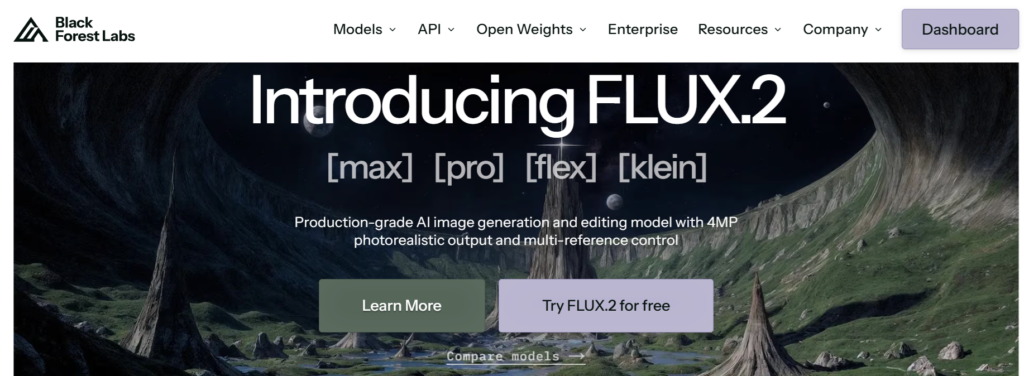
If you only try one tool, try this.
Why artists like it:
- Very fast
- High-quality results
- Great for concept art
What it’s good for:
- Character design
- Environment sketches
- Quick ideation
Downsides:
- Not the best for text in images
Think of it as your daily sketch assistant.
2. Ideogram – Best for Text + Art
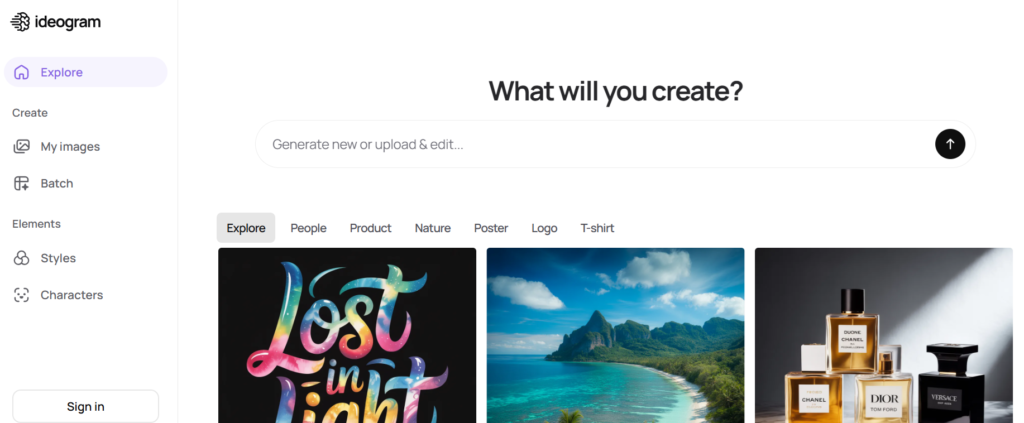
This tool is great when your artwork includes words.
Why artists like it:
- Handles text properly (rare for AI)
- Clean compositions
What it’s good for:
- Posters
- Social media graphics
- Logos
Downsides:
- Slightly less artistic freedom than others
Perfect if you mix design + illustration.
3. Recraft – Best for Design Work
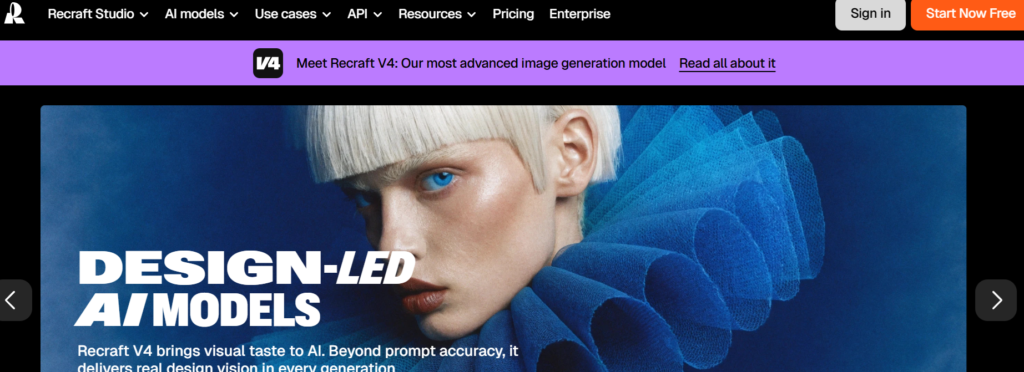
This one leans more into design than pure illustration.
Why artists like it:
- Vector-style outputs
- Clean, professional look
What it’s good for:
- Branding
- Icons
- UI elements
Downsides:
- Not ideal for painterly or detailed art
Think of it as your AI design partner.
4. Stable Diffusion (Lightweight Versions) – Best for Control
This is a favorite among serious artists.
Why artists like it:
- Can run locally
- Highly customizable
- Huge community
What it’s good for:
- Custom styles
- Fine-tuned workflows
- Advanced users
Downsides:
- Takes time to learn
This is for people who like to tweak everything.
5. Playground AI – Best for Beginners
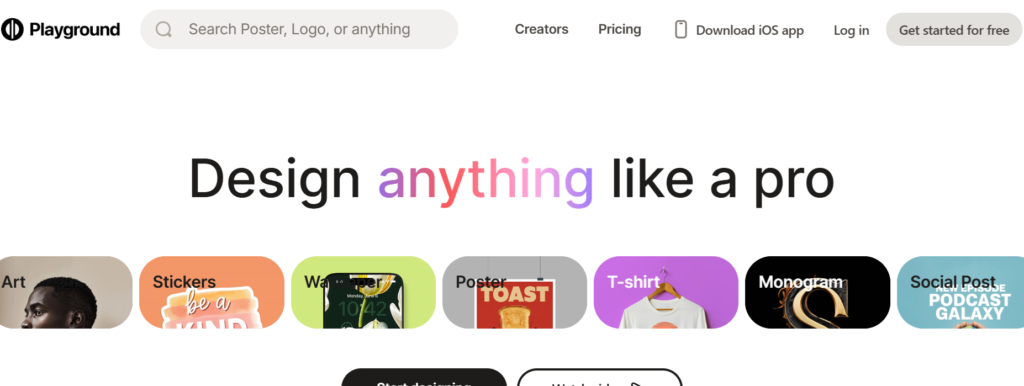
If you’re just starting out, this is a good entry point.
Why artists like it:
- Easy interface
- Fast results
What it’s good for:
- Learning
- Experimenting
Downsides:
- Less control
Great for getting comfortable with AI.
6. Leonardo AI (Light Models) – Best for Game Art
This tool is popular with game artists.
Why artists like it:
- Good style presets
- Consistent outputs
What it’s good for:
- Game assets
- Characters
- Concept art
Downsides:
- Some features locked behind paywalls
Best for game-focused workflows.
How Artists Actually Use These Tools (Real Workflow)
Let’s make this practical.
Here’s a simple workflow many artists use in 2026:
Step 1: Idea Generation
Use FLUX or Playground AI to create rough ideas.
Step 2: Refinement
Move to Stable Diffusion or Leonardo for better control.
Step 3: Design Work
Use Recraft or Ideogram for final assets.
Step 4: Final Touches
Finish everything in your usual tools (Photoshop, Procreate, etc.)
AI doesn’t replace your work — it speeds it up.
Common Mistakes to Avoid
Let’s save you some time.
1. Using Too Many Tools
Stick to 1–2 tools at first.
2. Expecting Perfect Results
AI outputs are starting points — not finished art.
3. Ignoring Your Style
Always add your own touch.
4. Over-relying on AI
Your creativity still matters most.
Tips to Get Better Results (Quick Wins)
- Keep prompts simple
- Use references
- Iterate multiple times
- Mix AI with manual drawing
The magic happens when you + AI work together.
The Future of SMB AI Models
Things are moving fast.
Here’s what we’re already seeing in 2026:
- Faster local models
- Better style control
- More artist-focused tools
In simple terms:
AI is becoming more like a creative assistant, not a replacement.
Final Thoughts
If you’re a digital artist, SMB AI models are worth exploring.
You don’t need to use all of them.
Start small.
Pick one tool.
Experiment.
And most importantly — keep your own style at the center of everything you create.
Because at the end of the day:
👉 AI can help you make art faster.
👉 But it’s still your ideas that make it meaningful.
Quick Summary
- SMB AI models = fast, affordable, practical tools
- Best picks: FLUX, Ideogram, Recraft, Stable Diffusion
- Use AI to assist — not replace your work
That’s it. If you stick with it, you’ll figure out what works for you — and that’s what really matters.